Every product in this category starts from the same assumption: that the way to connect your handwritten notes to a computer is for the computer to read them.
It is such a natural assumption that it is rarely stated. Scan the page, run recognition, get text, search the text. The pitch writes itself, the demo looks wonderful, and the demo is always the same tidy page of well-formed cursive saying something like Meeting notes — Q3 planning.
Your notebook does not look like that.
What handwriting recognition is actually up against
Recognition has genuinely got good. On clean, separated, single-language handwriting it is very strong, and if that describes your notes then the existing products will serve you well and you can stop reading.
The pages people actually produce tend to include:
- Mixed print and cursive, often in the same word, because speed changed halfway through.
- Personal shorthand. Abbreviations you invented, initials for people, a symbol that means "check this" that nobody else has ever used.
- Layout that carries meaning. An arrow from one line to another. A box. Something crammed into the margin at ninety degrees. Two columns that are not marked as columns.
- Things that are not writing. A circuit fragment, a floor plan, a chemical structure, a graph with no axis labels.
- More than one script. A line of English with an Arabic phrase inside it, or a citation in a different alphabet. Recognition is usually configured for one language at a time and degrades badly when a second appears.
- Speed damage. The notes taken while someone was still talking, which are the ones you most need and the least legible.
On that page, recognition does not return an error. It returns text. Some of the text is wrong, and you have no indication of which parts.
Why silent failure is the real problem
A search that finds nothing is not neutral. It is an answer. You type the name, get no results, and conclude you never wrote it down — so you stop looking, and act on the belief that the note does not exist.
That is worse than having no search at all, because without search you would have gone and looked through the pages, and found it.
This is the specific reason the OCR route disappoints people who adopt it enthusiastically. It does not fail loudly on day one. It works, mostly, and then one day it quietly does not, on the page that mattered, and you never learn that it happened.
The other way round
Here is the alternative, and it is almost annoyingly simple.
First, what it does not ask for: no special pen and no special paper. This matters because the two products people usually reach for at this point, Rocketbook and Livescribe, each require one or the other — and the ceremony that comes with them, printing a template, cutting paper to size, keeping your writing inside a border, is its own quiet tax. Any notebook you already own. Any pen.
Do not read the page. Have the person writing choose the thing to be recognised, in advance, and write it deliberately.
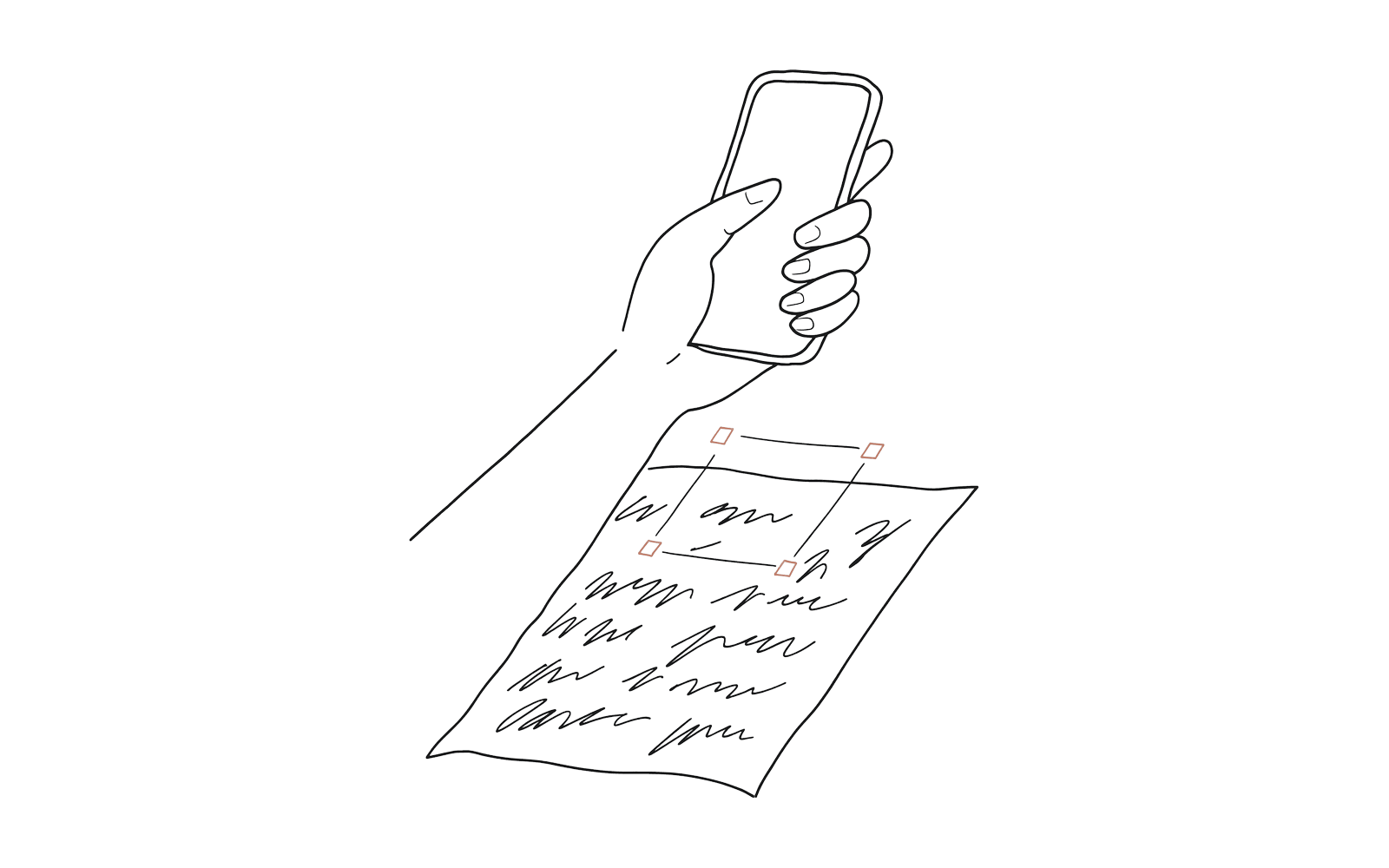
When you save a file — a photo, a PDF, a voice note, a link — you get back four characters. YLSB. You write those four characters in the margin, next to whatever they belong to. Later you point your phone at the page, and the file opens.
The machine is not trying to read your notes. It is not trying to read anything except four characters that were chosen from a small, unambiguous set and written on purpose by someone who knew they would need to be read back.
The consequences of that inversion are larger than they look:
It works on any handwriting. Including bad handwriting, because you only have to write four characters clearly, and you know at the time that those four matter.
It works in any language and any script. The notes can be in Arabic, Urdu, Japanese or personal shorthand. The code is the code. Nothing else on the page is being parsed, so nothing else on the page can be misparsed.
It works on things that are not text. A diagram, a pressed flower, a printed page glued in, a photograph of a whiteboard — the code sits beside it and resolves.
It fails visibly. If the code does not resolve, you see that it did not resolve. You are never told confidently that something is not there when it is.
The notebook remains a notebook. No special paper, no dot grid, no proprietary pen, no subscription that turns your archive into a hostage. If the company disappears, the pages are still exactly as readable as the day you wrote them, and you are left with some four-letter groups in the margins — the same position you would be in if you had written filenames by hand, which people already do.
What you give up
You do not get full-text search of your notes. If what you want is to type a word and find every page containing it, this is not that, and no amount of wanting will make it that.
What you get instead is the one thing the page never had: the ability to reach the material that belongs to it. The photograph of the whiteboard that the line "see whiteboard" refers to. The recording of the lesson. The datasheet revision that was current when you wrote the entry.
For most people, most of the time, that is the failure that actually costs them. Not "I cannot search my notes" but "I know exactly which page it is on, and the thing the page mentions is gone."
That is worth fixing on its own terms, without asking anybody to write more neatly.
Warq is being built now. The waiting list is open at warq.app.